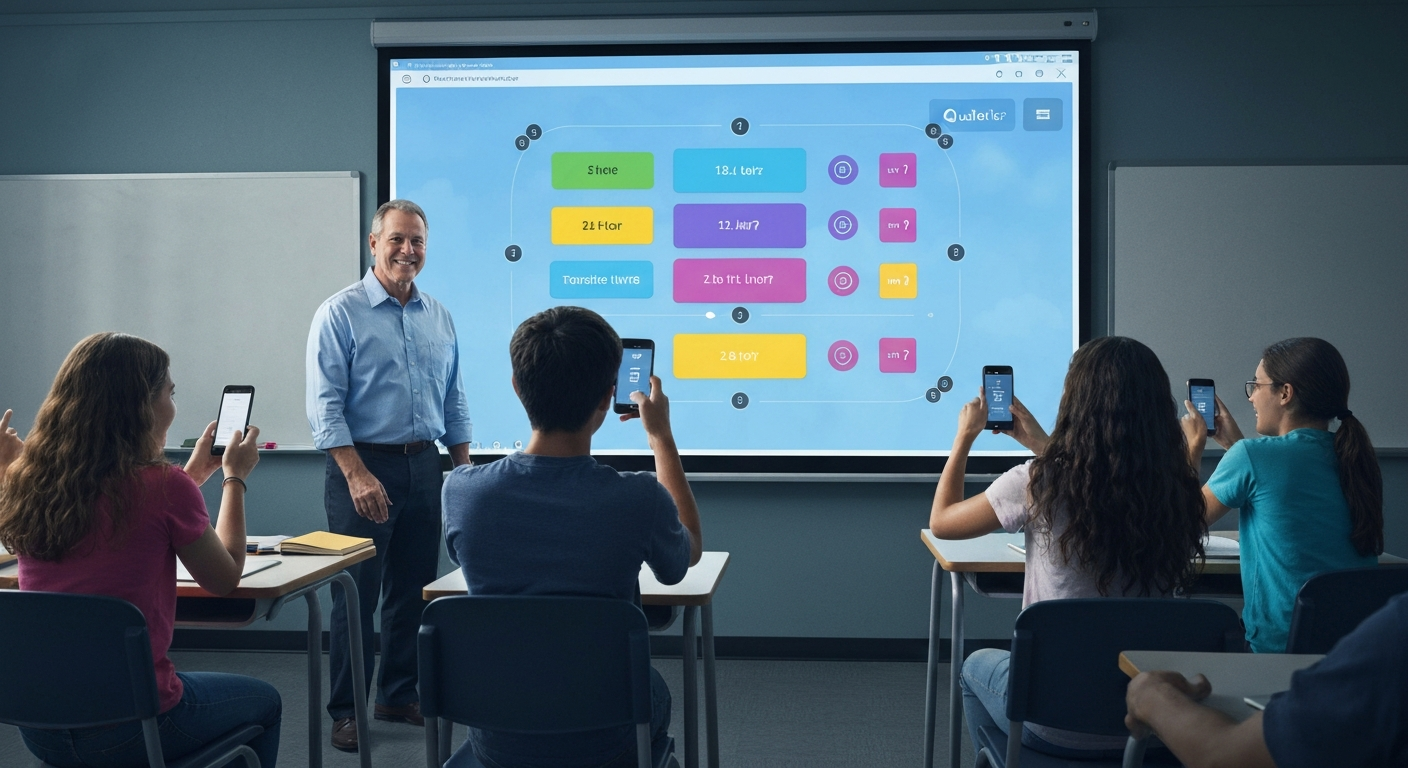
Quizlet Live The Fun Way to Learn, Fast — A Friendly Guide for Teachers and Students
Quizlet Live is a lively classroom game that turns study time into play. It mixes teamwork, speed, and smart recall. Teachers love it. Students enjoy it. The game helps learners remember words, facts, and ideas by matching prompts to answers. I have used Quizlet Live in real classes and seen shy students light up. In this guide I will explain what Quizlet Live is, how to join, how to run great games, and how to use it for better learning. Every step is simple. You can use the game in class or online. I will also share tips, examples, and answers to common questions to help you win with learning.
What is Quizlet Live and why it works
Quizlet Live is a team-based learning game built on Quizlet study sets. Players join a live game with a short code. Then teams race to match terms and definitions. The game mixes speed and accuracy. It pushes students to think fast and talk to teammates. Quizlet Live builds memory by repeating key ideas in a fun way. It also reduces anxiety because answers are shown as choices, not typed. The friendly competition raises energy and focus. Teachers can use Quizlet Live to review vocabulary, test facts, or break up a long lesson with active learning. Real classrooms show higher recall when study is social and playful.
How Quizlet Live works step by step
To play, a teacher chooses a study set. Then the teacher starts Quizlet Live on the Quizlet website. Students go to quizlet.live. They type the six-digit join code the teacher shares. Students enter their names and tap join. The teacher starts the game when enough players have joined. Teams are formed automatically and randomly. During play, students pick answers that match the prompt shown on screen. Teams score points for correct matches and slow or wrong picks cost time. The first team to match all items wins. This clear flow makes the game easy for any age.
How to join Quizlet Live: simple student steps
Joining Quizlet Live takes only a minute. First, open a browser or the Quizlet app. Next, go to quizlet.live on your device. Type the join code the teacher gave. Put in your display name. Tap “Join game” or “Let’s go.” If you have the app, you can scan a QR code instead of typing the code. Make sure your device is connected to the internet. If a student cannot join, refresh the page or try the app. These small steps keep more students playing and less time lost.
Setting up a game: tips for teachers
Start with a clear study set. Use short terms and clear definitions. Preview the set so you know the content. Pick teams mode or individual mode based on your goal. Teams are great for collaboration. Individuals boost personal practice. Tell students how many rounds you plan to play. Share the join code on a big screen, a chat, or a classroom board. If you use video calls, share your screen so everyone can watch progress. For mixed-ability classes, mix easier and harder sets. This helps all learners feel successful. Preparing the set and the tech makes games run smoothly.
Best uses for Quizlet Live in class
Quizlet Live works well for vocabulary, dates, formulas, and short facts. Use it to warm up before a lesson or to review after a unit. It shines when you need quick recall. You can use the game as a break to re-energize students. It also supports group work because teammates must talk and agree. For remote learning, screen share the game and have students join on phones. Use Quizlet Live as a formative check to see what students know. You can then tailor the next lesson to fill gaps. Using it regularly builds stronger recall over time.
Designing study sets that win
Good study sets are clear and fair. Keep terms short and direct. Definitions should be simple. Avoid long paragraphs or ambiguous words. Use images for visual topics. Break a big topic into several small sets. Test each set with a quick trial play before using it in class. For language classes, include audio for pronunciation. For science, use diagrams with labeled parts. Also add a few trick items to make students think. A well-crafted set makes the Quizlet Live game feel meaningful and not just a race.
Running hybrid and remote Quizlet Live sessions
Quizlet Live is flexible for hybrid classrooms. Share the join code in chat, on screen, or in your learning management system. Students on their own devices join and play. If students are in groups in the same room, they can sit by teammates to discuss answers. For remote learners, use a video call so students can share voice. Screen share the leaderboard to boost excitement. If internet speed is slow, reduce the number of rounds or choose smaller sets. Practice one short round to check tech before the real game starts. These small steps keep learning smooth for everyone.
Assessment and feedback with Quizlet Live
Quizlet Live gives quick insight into student progress. The teacher can see common mistakes and which cards cause trouble. Use this data to reteach tricky concepts. After a game, review missed items as a class. Ask students why an answer was wrong to promote thinking. Avoid grading purely by game outcome. Instead, use the game as formative feedback. Reward effort and improvement rather than only speed. This keeps the game positive and educational. Use the results to plan the next lesson and improve study sets.
Managing classroom behavior and fairness
Set clear rules before play. Explain that teamwork matters more than winning. Ask students to focus and communicate respectfully. If some students rush, remind them that careful reading helps more than guessing. Rotate team leaders so quieter students speak more. For fairness, mix students by skill level. Keep an eye on devices to ensure focused play. Praise good collaboration. These rules help the game stay fun and learning-focused. A calm competitive spirit makes Quizlet Live a safe space for mistakes and growth.
Accessibility and inclusion tips
Quizlet Live can be adapted for diverse learners. Use clear fonts and short text for reading support. Add images and audio when helpful. Allow extra time for students who need it. Pair students with peers who can support them. Use smaller teams or individual mode when needed. For learners with screen readers, check compatibility and provide alternate study aids. Always ask students what helps them learn best. Small adjustments ensure everyone can join and benefit from Quizlet Live.
Troubleshooting common tech problems
If students cannot join, check the join code and website address. Ask them to refresh the page or reopen the app. Clear the browser cache if needed. If audio or images fail, check internet speed. Use a stable Wi-Fi network or wired connection for the teacher’s device. If a game freezes, end the session and start a new one. Keep a backup activity ready in case of extended outages. These quick steps solve most issues and help keep class time productive.
Safety, privacy, and student accounts
Quizlet follows student privacy rules and offers teacher controls. Students can join with display names; they do not need email for short play. Teachers should follow school policy when sharing codes or student data. For young learners, create accounts under school guidelines. Avoid sharing join links in public spaces. Use classroom tools like Google Classroom to share codes privately. These practices keep student data safe and maintain a secure learning environment.
Real classroom examples and personal insights
I used Quizlet Live to teach a middle school vocabulary unit. I split the class into four teams. Students who rarely spoke became leaders. They explained answers and corrected peers. After two rounds, their accuracy rose. We followed play with a quick review of missed words. Students reported they remembered words better the next day. In another example, a remote biology class used diagrams and locations as prompts. Students matched parts of the diagram quickly. These real moments show how small changes in setup improve learning and engagement.
How to measure success with Quizlet Live
Measure success by growth, not only winners. Track which cards are often missed. Note improvements between sessions. Use short quizzes after games to test retention. Ask students to rate how well they feel they learned. Look for better class participation over time. When shy students speak up more, that is a win. Use data and observation together to see true learning gains. This balanced view lets teachers refine future games and lesson plans.
Alternatives and when to use them
Quizlet Live is one tool in a teacher’s kit. Use it alongside flashcards, practice tests, and projects. For longer discussions or deep writing, choose other options. For fast recall and review, Quizlet Live is excellent. For creative or open-ended tasks, use project-based learning. Mix tools to meet varied goals. Often a short Quizlet Live round followed by a hands-on activity gives strong learning gains.
Tips to keep Quizlet Live fresh and fun
Mix study sets weekly. Add surprise rounds with bonus questions. Let students create sets for peers to play. Use a theme day with music and themed sets. Change teams randomly to encourage new friendships and thinking. Offer small rewards for improvement. Keep sessions short so energy stays high. These habits prevent boredom and keep learning playful.
Conclusion
Quizlet Live makes study lively and social. It fits many subjects and ages. Use clear sets, plan the tech, and build a positive team culture. Track results and tweak sets as needed. Start small and scale up as you gain comfort. I encourage you to try one short round in your next class. Watch how the energy changes. Then adjust and play again. Quizlet Live helps students remember, talk, and enjoy learning. Give it a try this week and see the difference.
FAQs
How do students join a Quizlet Live game?
Students go to quizlet.live, enter the six-digit join code, and type their names. They can also scan a QR code with the Quizlet app. The teacher starts the game when enough players are present. If someone has trouble, refresh the page or use the app.
Do I need a paid Quizlet account to use Quizlet Live?
No. Basic use of Quizlet Live for classroom play works with free accounts. Paid plans add extra study features and teacher tools. Check Quizlet’s plans if you want advanced reporting.
What class size works best for Quizlet Live?
Quizlet Live works well with small to medium classes. Teams are usually groups of three or four. If your class is large, split into multiple games or run rounds with mixed teams. Small groups help each student participate.
Can Quizlet Live be used for remote teaching?
Yes. Quizlet Live works for remote and hybrid lessons. Share the join code in your video chat or class platform. Students join from their devices and you can screen share the leaderboard.
How long should a Quizlet Live round last?
Keep rounds short—around five to ten minutes. Short rounds keep energy high and let you run several rounds if needed. This also helps students focus and retain more.
How do I review missed items after the game?
After play, review missed cards as a quick class discussion. Ask teams to explain mistakes. Use a short follow-up quiz or a flashcard review to reinforce correct answers.